For Schools & IT Administrators
March 16, 2026
This page is intended for school IT departments and district technology coordinators. It provides everything you need to evaluate and whitelist gadgetsthathelp.com for your network.
Site Overview
gadgetsthathelp.com is an educational technology platform that provides tools for teachers and students. Our products include:
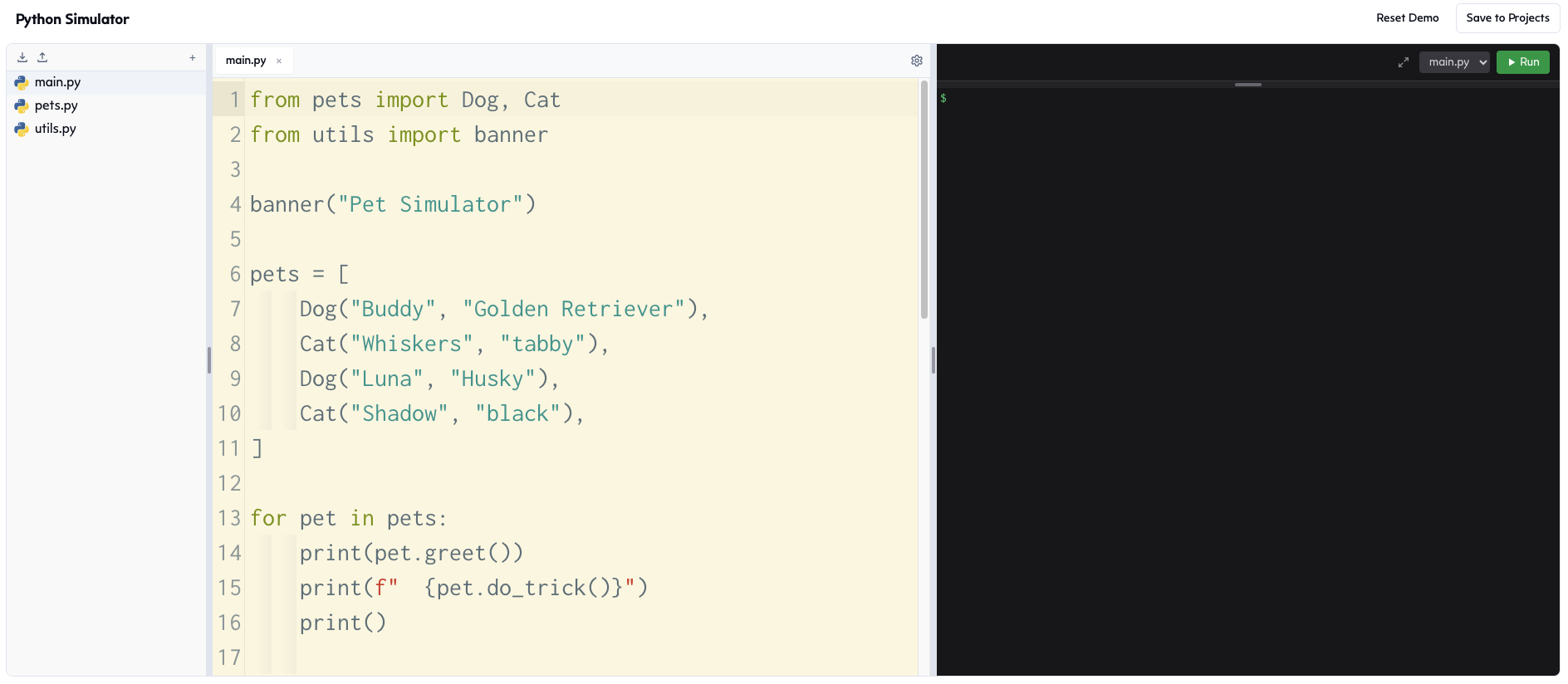
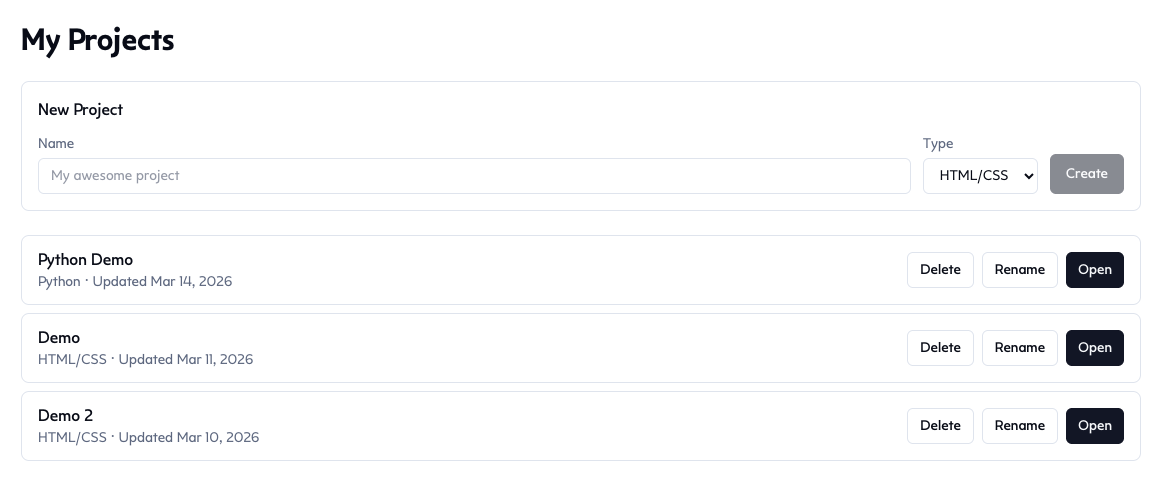
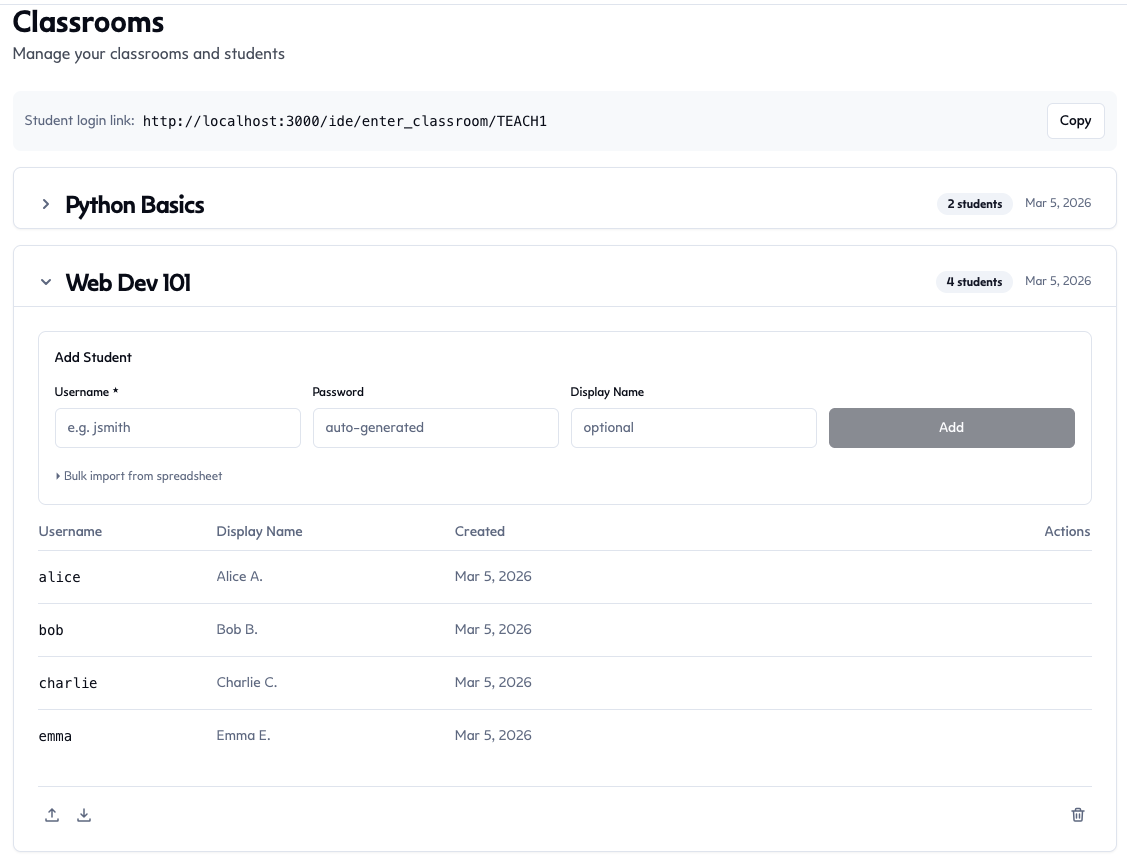
- IDE — A browser-based code editor supporting HTML, Python, and React. Includes classroom management features so teachers can create student accounts, assign work, and view student projects.
- DIPduino — A through-hole Arduino clone kit designed for students to build and solder from scratch, teaching electronics and embedded programming fundamentals.
The primary purpose of this website is educational technology. It is built by a high school teacher, for teachers and students.
Requested Content Filter Category
| Domain | gadgetsthathelp.com |
| Requested Category | Education/Technology (Educational Technology) |
| Primary Audience | K–12 teachers and students |
| Content Type | Browser-based coding IDE, educational hardware kits, classroom tools |
| SSL/TLS | Yes — all traffic encrypted via HTTPS |
| Advertisements | None |
| Third-Party Tracking | None |
| Age Appropriate | Yes — designed for all ages, no inappropriate content |
Student Privacy Summary
Our platform was designed from the ground up with student privacy as a priority. Here is a summary of our data practices:
No Student PII Collected
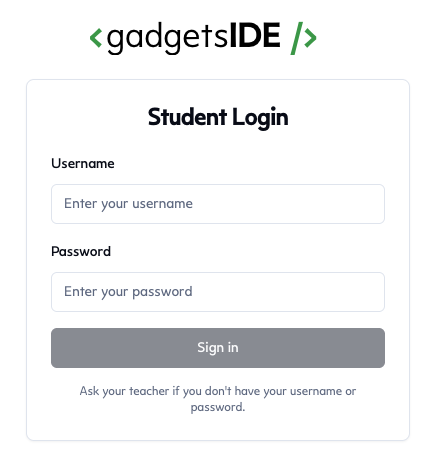
Student accounts are created entirely by teachers. Teachers choose each student's username (e.g. "tortoise" or "blue-rocket"), an optional display name, and a password. The platform does not ask students for — and has no fields to enter — an email address, real name, phone number, date of birth, or any other personally identifiable information. Students do not sign in with Google or any third-party service.
What We Store for Students
- A teacher-chosen username (not the student's real name)
- A teacher-chosen display name (optional, not the student's real name)
- A securely hashed password (bcrypt)
- Code and projects the student creates in the IDE
That is the complete list. No email addresses, no real names, no IP address logging, no behavioral tracking.
Teacher Responsibility
Because usernames and display names are chosen by the teacher, it is the teacher's responsibility to select names that do not contain personally identifiable information. We recommend that school IT departments remind teachers of this responsibility as part of their existing COPPA and student privacy training.
Data Ownership and Deletion
Student work belongs to the student and their school. Teachers can delete student accounts and all associated data at any time from within the IDE. Deletion is immediate and removes the username, display name, hashed password, classroom memberships, and all saved code.
Compliance
COPPA
No personally identifiable information is collected from any student, including children under 13. There are no sign-up forms, no email fields, no name fields, and no Google sign-in for students. Student accounts are created and fully controlled by teachers.
FERPA
We store no student PII and collect only the minimum data necessary to provide the service. Student data is not used for advertising, profiling, or any purpose beyond operating the classroom. Teachers control all student accounts and can delete student data at any time. We will cooperate with schools to fulfill any FERPA-related requests regarding student records.
Accessibility
The platform is built with semantic HTML, keyboard navigation support, and screen reader compatibility. We are committed to ongoing accessibility improvements.
Technical Details
| Hosting | Fly.io (US-based infrastructure) |
| Encryption | HTTPS/TLS on all connections |
| Authentication | Google OAuth (teachers only), username/password (students) |
| Password Storage | bcrypt hashing — passwords are never stored in plain text |
| Code Execution | Runs entirely in the student's browser (Pyodide for Python, sandboxed iframes for HTML/React) |
| Third-Party Analytics | None |
| Third-Party Ads | None |
| Payment Processing | Stripe (teachers/individuals only — students are never asked to pay) |
Related Pages
- Privacy Policy — Full privacy policy with product-specific details
- Terms of Service — Full terms of service
- About & Contact — Learn about us and send us a message
Submit a Recategorization Request
If gadgetsthathelp.com is currently blocked or miscategorized on your network, you can request recategorization directly with your content filter vendor. Below are links to the recategorization forms for common vendors:
- Fortinet / FortiGuard
- Symantec / Bluecoat (Broadcom)
- Webroot / BrightCloud
- Cisco Talos
- Trend Micro
- Palo Alto Networks
For GoGuardian, Lightspeed, Securly, or iBoss, your district administrator can typically whitelist domains directly from their admin console. You may also contact the vendor's support team and reference this page.
When submitting a request, recommend categorizing gadgetsthathelp.com as Education/Technology (or the equivalent in your filter's taxonomy).
Questions?
If you have any questions about our platform, data practices, or need additional information for your review process, please reach out through our contact form. We are happy to work with your IT department directly.